Set the sound, music and effects
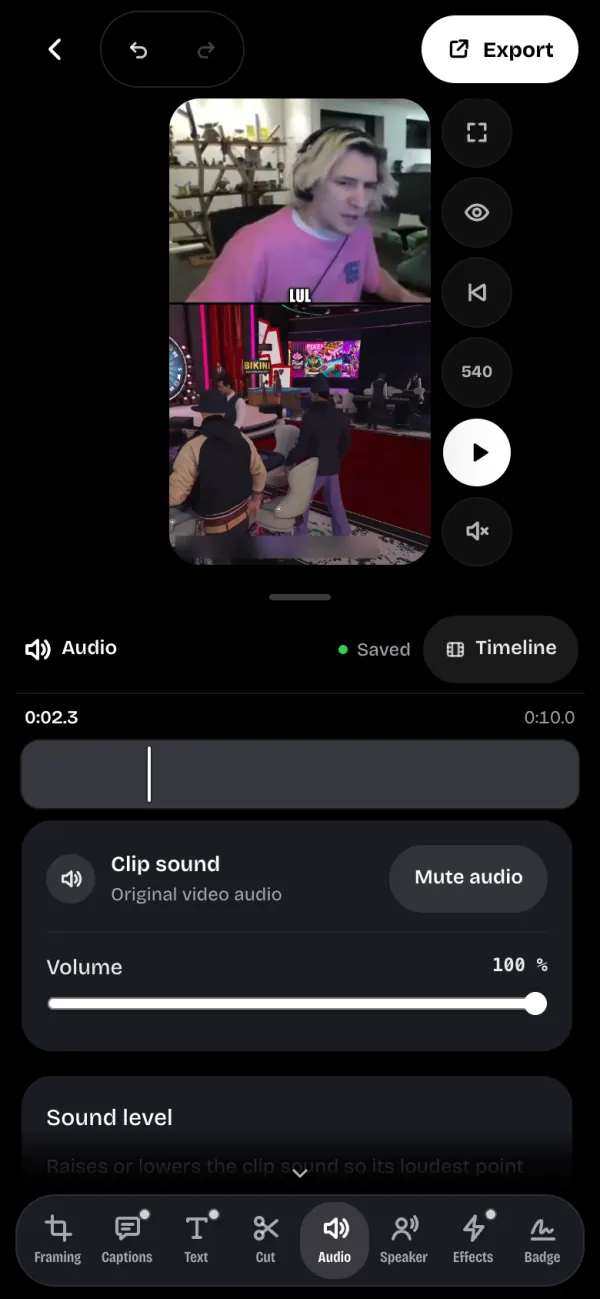
The Audio tool sets the clip's sound, adds music and places sound effects on the timeline.
Volume and level#
- Volume sets the clip's sound, and Mute audio silences it.
- Even out the level measures the clip and raises or lowers it so its loudest point sits near -3 dB. Back to the original level undoes it.
Music#
- Tap Add music and pick an audio file.
- Set its Volume, and Start in the track to choose where it begins.
- Turn on Lower while talking so the music fades under the voice.
Remove the music takes it off the clip.
Sound effects#
The SFX button on the timeline opens the Viral Soundboard: meme and stream sounds, sorted into Memes, Transitions and Reactions.
Tap Preview sound to hear it, then + Place here to add it at the playhead.
The preview sound#
The preview starts without sound. Tap the preview's sound button to turn it on or off while you work. On iPhone, that tap is what unlocks the sound: without it, iOS keeps it off.