







Skip to content

From stream to socials.No editing.

Paste a Twitch or Kick clip link. The streamer's webcam is found, the game reframed, and the 9:16 video comes out on its own, on your computer or your phone. Ready for TikTok, Reels and Shorts.

Free in 720p, with the StreamPulse watermark. 3-day trial without it, cancel anytime.

A live moment, in landscape.

The original Twitch clip, 16:9

TALKING SH*T B*TCH WHO THE F*CK SAID THAT SH*T YOINK MINE NOW ARE YOU YOU F*CK*NG LOSER YO YO YO YO YO SIT DOWN AND TAKE ALL YOUR MONEY

  • Reframed to 9:16
  • Streamer cam detected
  • Title generated
  • Subtitles generated
  • Channel handle added

Work With

Connected to : Twitch, Kick. Built with : Vercel, Neon, Stripe, Resend, GitHub, Google MediaPipe, Apple Vision, AssemblyAI. From the same maker: StreamPulse, the Twitch extension (streampulse.tech). Worked with : Minos TV. Listed on : SaaSHub, Product Hunt, DevHunt.

See it on a real clip. Before you start.

Paste a Twitch or Kick clip link to preview the 9:16 version.

Demo clip:

Four moves.No editing to learn.

No software to install on Mac or Windows. The studio opens in your browser and the clip arrives already framed and captioned.

A Twitch or Kick clip link, or a video file.

The same studio in a phone browser, at this step : Paste the link

Real clips.Real exports, made here.

Want your clip on this wall? Post it on TikTok, Reels or Shorts with #spclips. We add the best ones here.

It all lands on its own. You just move things.

Paste the link: the app finds the cam, transcribes the voice and places the hook, your signature and the chat on its own. You just drag what you want where you want, with a finger or the mouse. Scroll to watch the same clip get edited, one tool at a time.

The clip, as it comes, rendered by the app on a demo clip
1 / 8The clip, as it comes
  1. The clip, as it comes

    A Twitch or Kick clip, horizontal. You paste its link: that is all we ask.

  2. Framing

    Automatic

    The cam is found and the game reframed in 9:16. Not the right layout? Seven to pick from, one tap to switch.

  3. Karaoke captions

    Automatic

    The voice is transcribed and the words light up as the streamer speaks, already in place. 7 styles.

  4. Hook and signature

    Automatic

    The hook (the clip title, or written by the AI with Pro) and your handle with its Twitch or Kick badge land between the cam and the game.

  5. Live chat

    Automatic

    The stream's real messages are fetched and synced to the picture, already placed. Twitch clips, while the VOD still exists.

  6. Zooms

    One tap

    A punch-in on the game or the cam at the big moment, four speeds. With Pro, zooms land on their own on screams and laughs.

  7. Colour and mood

    One tap

    “Punch” in one tap, or set contrast, saturation, warmth, grain and light leak yourself.

  8. End screen

    Set once

    Set it once and it lands on every new clip, without making it longer. Then export.

And everything else.

Every tool, explained screen by screen.Read the docs

Also on the picture

  • Opening flash, with its sound
  • Opening message: one real chat message for the first 3 seconds
  • Free text: 7 styles, 7 entrance animations
  • Game elements: kill feed, minimap, scoreboard, enlarged on top
  • Screen shakes, and one camera full screen for a shot
  • A transition on every cut: fade, flash, zoom or whip

Edit faster

  • Cut silences and hesitations, with the time saved shown first
  • One-tap edit, three intensities
  • A different layout for each section of the clip
  • Freeze frame and speed per section
  • Copy a clip's style and paste it on the next one
  • Highlight found in the clip, cut on sentencesPro
  • Active speaker: the cam follows who talksPro

Sound and languages

  • Sound level evened out in one tap
  • Music and sound effects on their own tracks
  • A soft fade on the voice at every cut
  • FR ⇄ EN translation and bilingual captionsPro

Follow and post

  • “Your streamers” feed with their latest clips
  • Pulse spots the clips taking off in that feedPro
  • Your latest Twitch clips on the home screen, the newest ready to open
  • Settings remembered for each streamer
  • Batch export and compilations
  • Post caption with hashtagsPro
  • A log of everything you postedPro
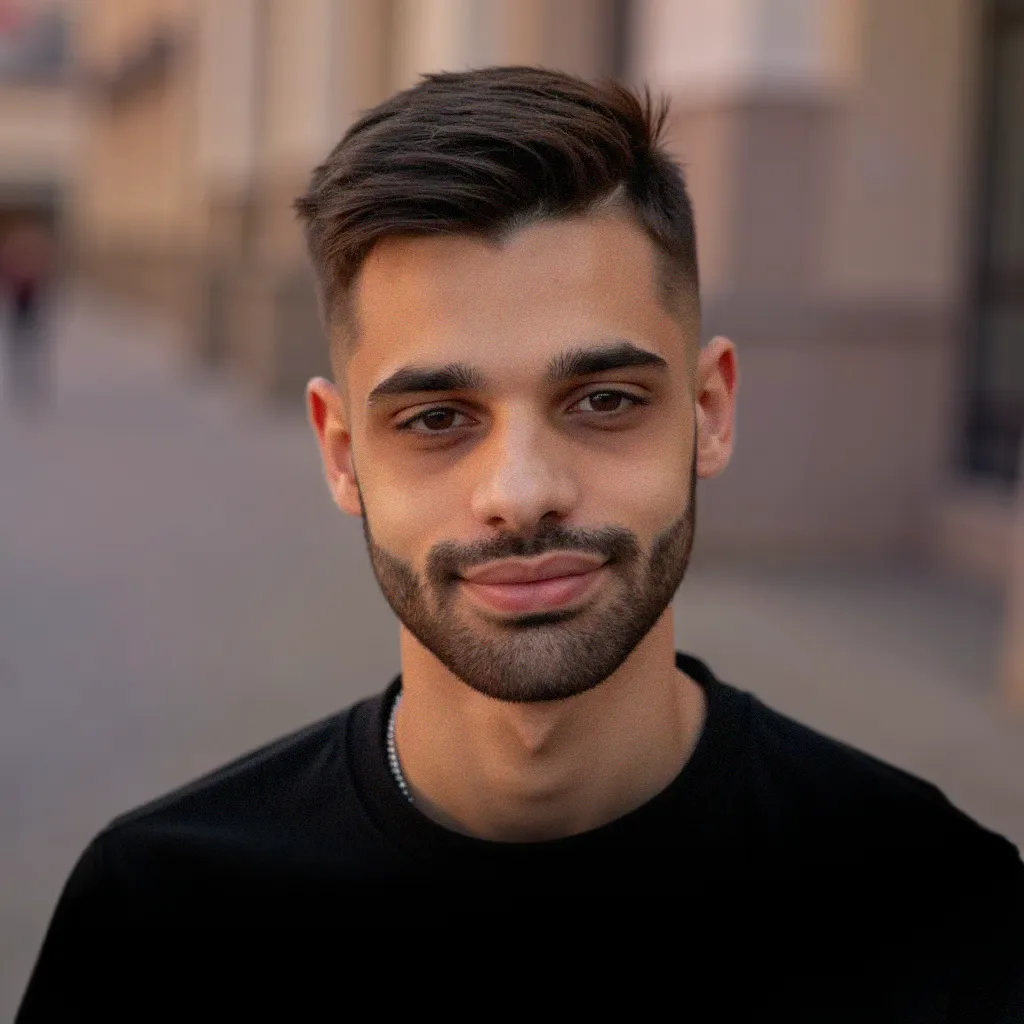
Alexis, the creator of StreamPulse Clips
Alexis AMZLyon

Made by a clipper.I did this job before I built the tool.

I'm Alexis. I started out as a viewer, then I became a clipper. You see the moment, you crop it, you caption it, and you try to post before everyone else. So I built the tool for that: paste the link, and the framing is already done.

I am also a freelance web developer in Lyon, and I shoot photo and video. The site you are on is mine, from the first line to the last.

Who I clipped for

  • AminematueAminematueClips from the GTA RP server
  • MinosMinosClips, editing and YouTube management
  • Best of Grand Line RPBest of Grand Line RPTikTok @best.of.grandlinerp
  • xo.trixyxo.trixyClipper

Streamers clipped on @best.of.grandlinerp

  • KametoKameto
  • MedjaMedja
  • LolyPokicakeLolyPokicake
  • BilouBilou
  • ZwaveZwave
  • InoxtagInoxtag
  • ZipperrZipperr
  • LudmyaLudmya

3 days free. Then pick your plan.

Pro

Most picked

€9.99/ month

Watermark
None
Resolution
1080p
AI assist
Included
See what is included

Everything in Light, plus:

  • Hook written at the top of the video
  • Best moment found in the clip
  • Zooms on screams, laughs and explosions
  • Active speaker: the cam follows who talks
  • FR ⇄ EN translation and bilingual captions
  • Pulse: the clips taking off at your streamers
  • A log of everything you posted

€0 today, then €9.99/month. Cancel anytime.
Light

€4.99/ month

Watermark
None
Resolution
720p
AI assist
No
See what is included
  • Unlimited exports, no watermark
  • Cam and gameplay reframing
  • Animated captions, any size and position
  • Full editor: cuts, music, signature
  • Posting caption with hashtags

€0 today, then €4.99/month. Cancel anytime.

Free€0forever

Unlimited exports in 720p, with the StreamPulse watermark. No credit card.

Open the studio

Same subscription on the web and on iPhone. Renews automatically until you cancel.

Questions.

StreamPulse Clips finds the streamer's face and webcam overlay in the original 16:9 stream, with face detection that runs in your browser on the web (Apple Vision in the iPhone app). It then separates the cam from the gameplay and recomposes them into a 9:16 vertical for TikTok, YouTube Shorts and Instagram Reels.

Paste your clip. Post before everyone else.

Paste your clip

Coming soon to the App Store

The iPhone app is coming.

Share straight from the Twitch app. Leave your email and we'll tell you on launch day.